content_cut01
Smart Auto-Cuts & Jumpcuts
Removes umms, dead pauses, and silent gaps instantly.
Connect any LLM model with 1-click. No complex MCP node setup, no learning new cloud editors. Just chat in plain language, and watch your video get edited right inside DaVinci Resolve or Premiere.

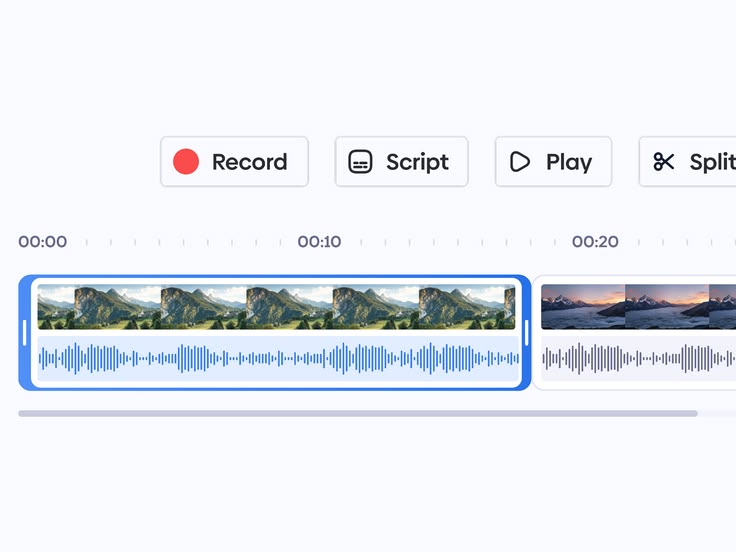
Stripped 42 filler pauses

Beat-matched camera jump cuts
Word-by-word karaoke glow
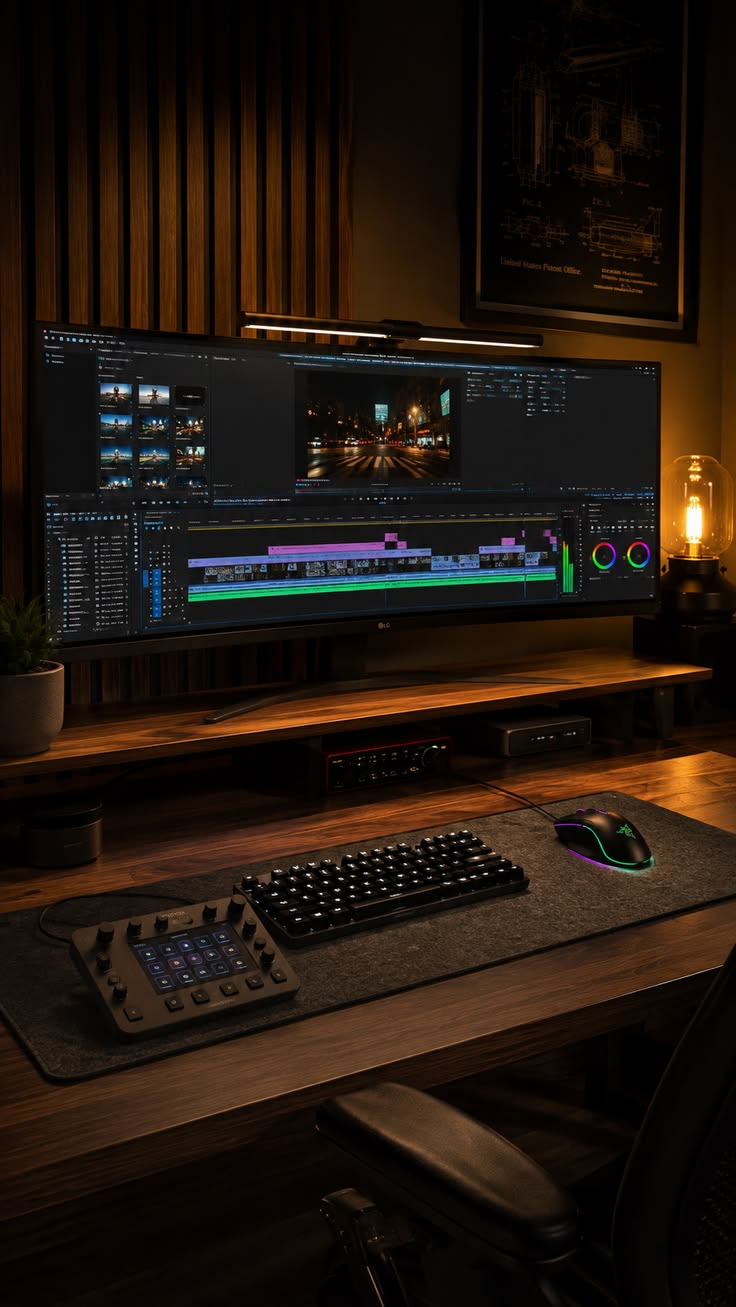
Lossless codec handover
Three simple steps from setup to a finished edit inside the software you already use.
No manual coding or complex MCP server setup. Download a small file, install it once, and Editify automatically detects your video editor.
Use Claude, ChatGPT, or any LLM model you prefer. No locked-in cloud engines—you have total control over your AI brain.
Type what you want in simple words: “Remove silences, add dynamic motion graphics, and create a cinematic look.” Done in seconds.
Connect AI assistance to the creator's existing editing workflow—without a new cloud editor or a technical maze.
Heavy cloud interface or a separate editor to learn.
Complex manual MCP configuration or technical setup.
Limited timeline control or complicated configuration.
Separate tools and technical steps before the creative work begins.
Works inside the supported video editor.
1-click connector and automatic editor detection.
Natural-language instructions with creative control.
Chat-based editing in the creator's existing software.
Premiere, DaVinci Resolve, or Final Cut Pro, where officially supported.
Reduce technical setup and manual configuration.
From simple cuts to motion graphics and cinematic edits.
Smart cuts, cinematic looks, motion graphics, and editable timelines—guided by natural language and delivered inside your workflow.
Removes umms, dead pauses, and silent gaps instantly.
Match film looks and color grade using natural-language prompts.
Auto-generate motion text and animated graphics without touching keyframes.
Get fully editable timelines with keyframes intact, not rendered flat videos.
.png)
 DaVinci Resolve
 Premiere Pro
 CapCut PC
No complex setups. No new video editors to learn. Just 1-click install, connect your AI, and edit like a pro studio.